Whiskey Systems has the functionality to allow you to top off a partially full barrel, or to partially dump a barrel.
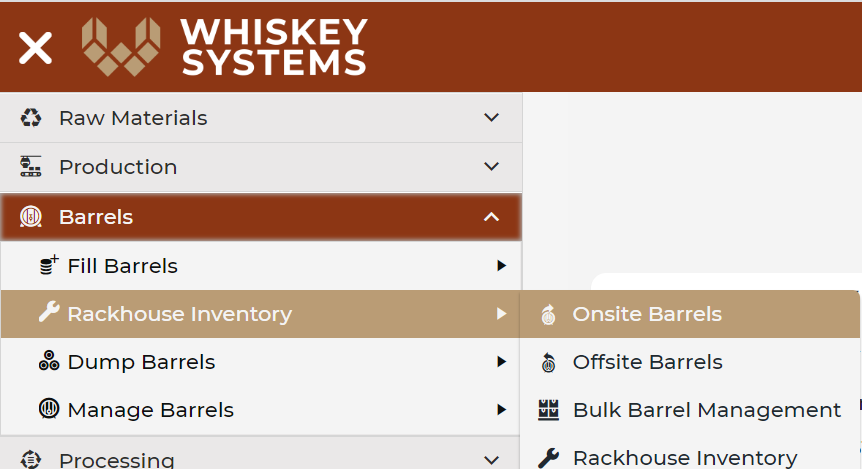
Where? Side Menu > Barrels > Rackhouse Inventory > Onsite Barrels > Load Grid.
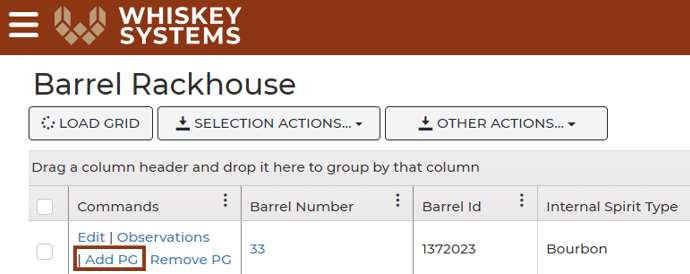
Select the line that you want to fill or dump. Under commands (found at the top left corner of the table) select Add PG.
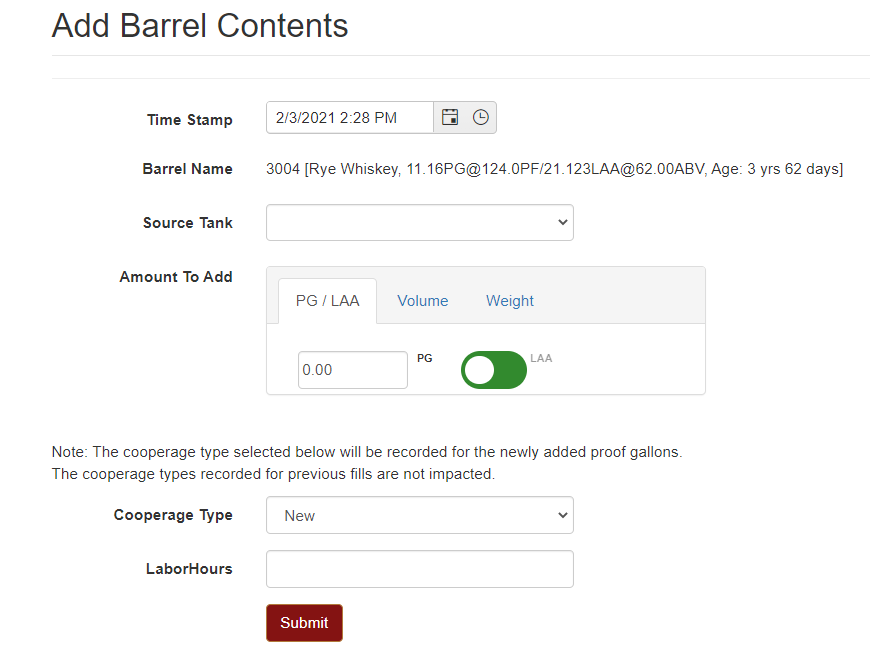
In the add screen, you can select any barrel that has the matching internal spirit type of your current barrel and is in either production or storage.
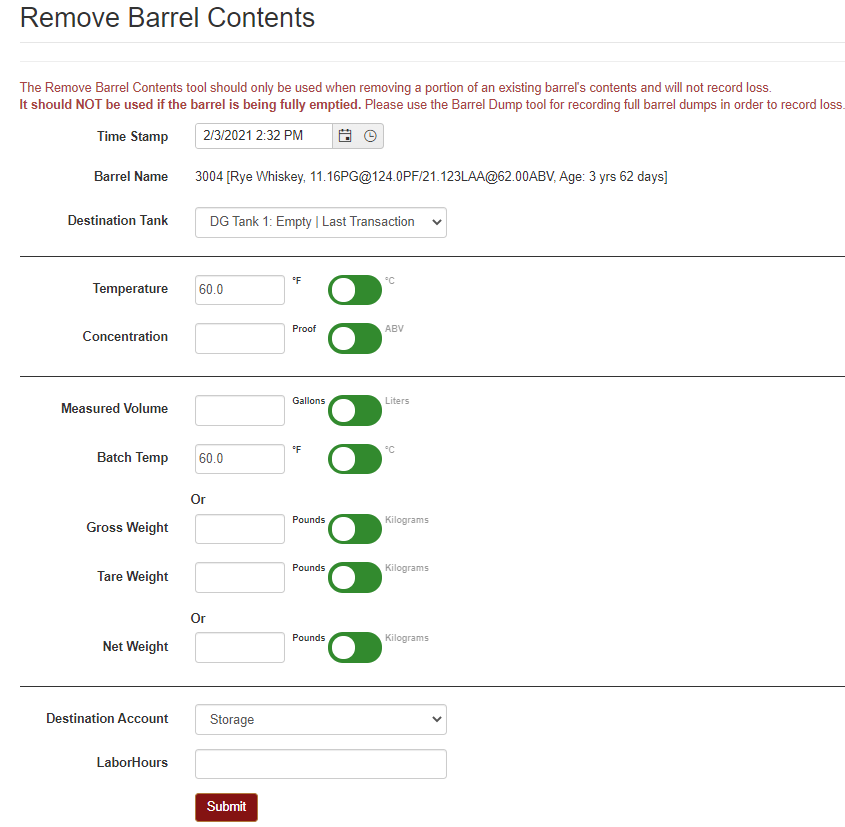
The Remove PG command allows you to dump part of a barrel while leaving a portion of the spirits still in the barrel.
This command does not record a loss, if you are fully dumping a barrel, use the barrel dump command.