Whiskey Systems allows you two different ways to edit barrels in your barrel warehouse.
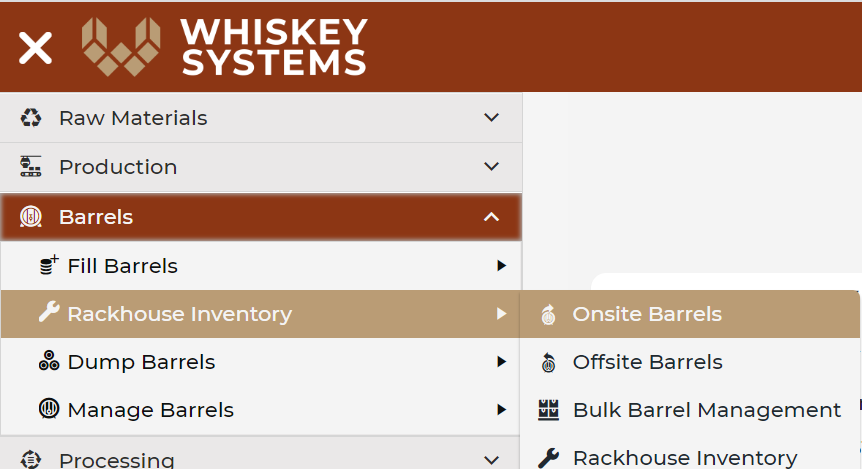
Where? Side Menu > Barrels > Rackhouse Inventory > Onsite Barrels > Load Grid.
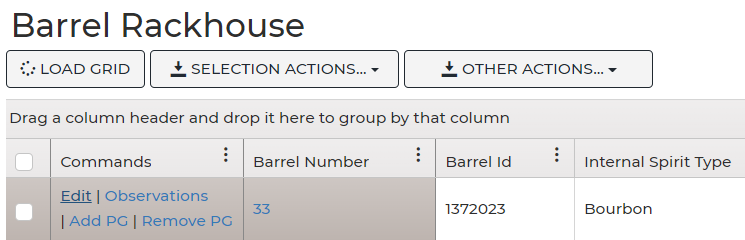
1. Users can edit individual lines using the edit command option on the barrel line.
The edit command will bring up an edit page with your available fields for editing or adding any additional notes to the individual barrel.
2. Users can also Bulk Edit multiple barrels at the same time.
Select multiple barrels using the Ctrl or Shift keys. Click the Bulk edit command at the bottom of the barrel warehouse.
- Select the barrels you will be transferring to another DSP. Selected barrels will be highlighted in red.
- Click Dump from the Selection Actions dropdown.
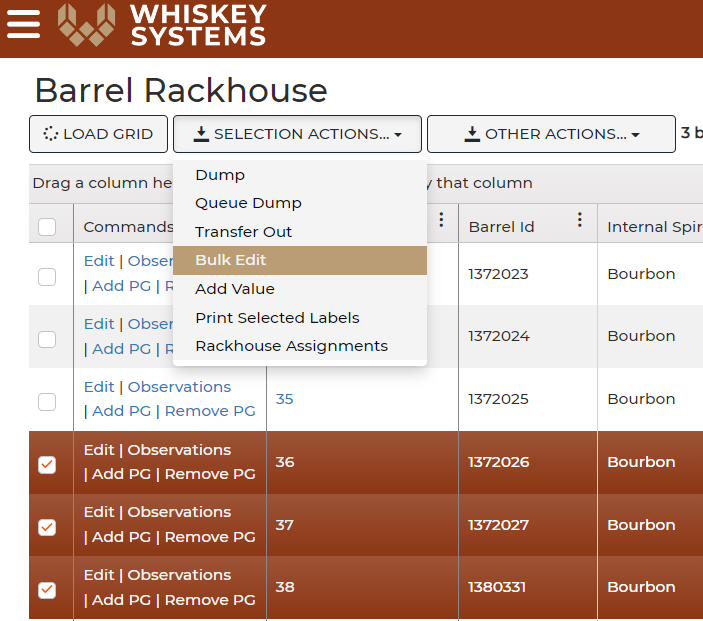
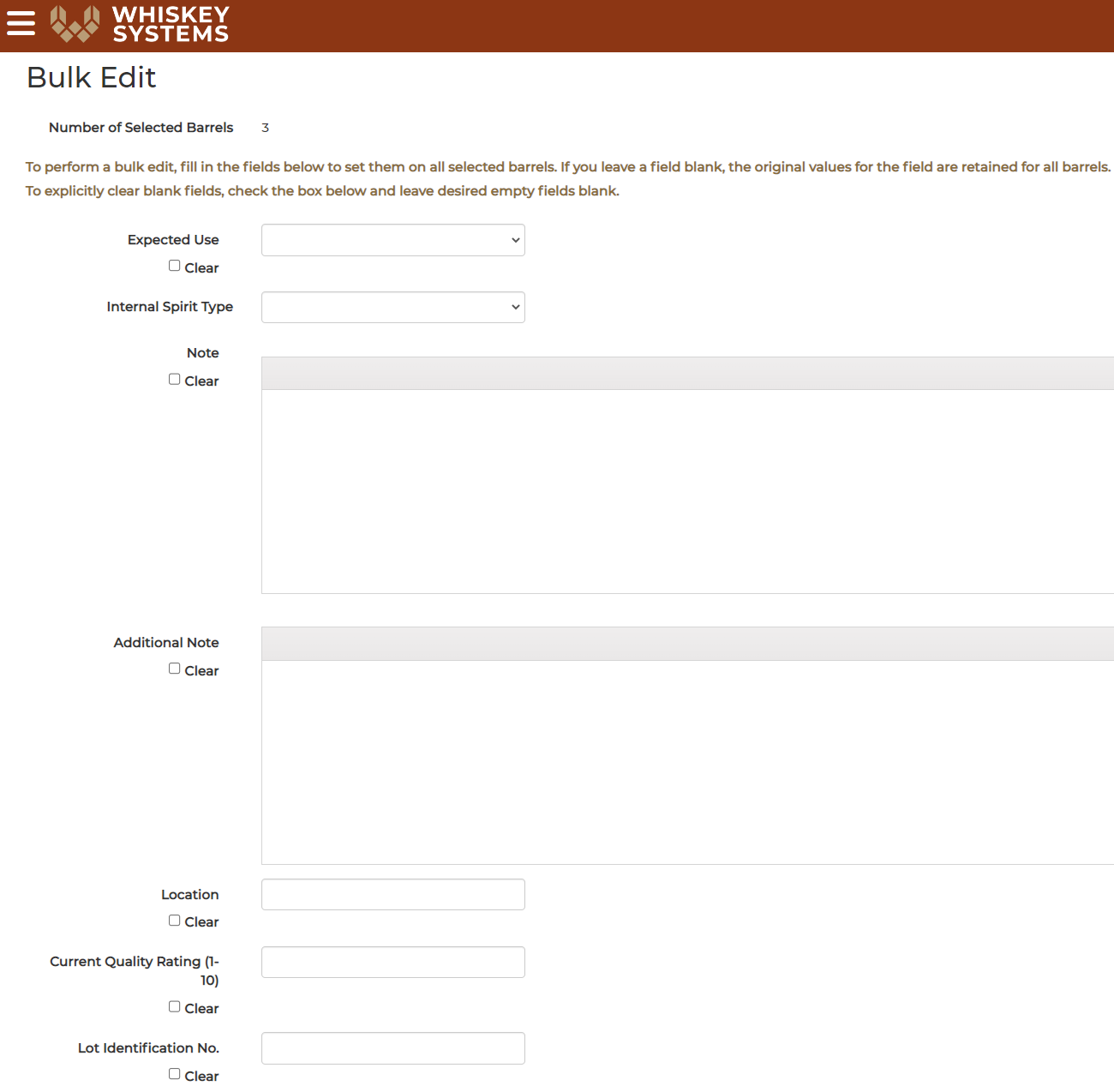
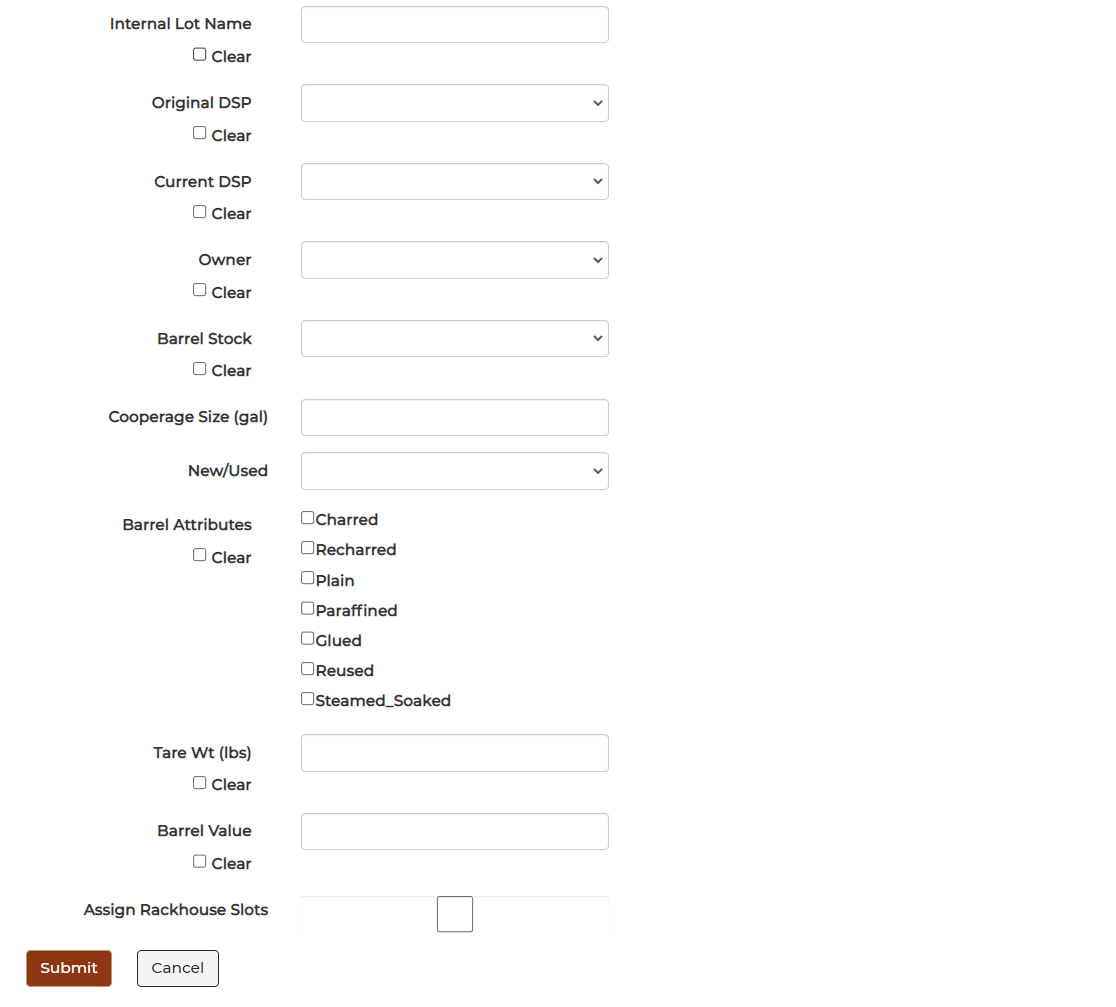
- Bulk edit will bring up a different edit screen that allows for more fields to be edited. Using bulk edit will change the details of ALL the barrels selected.
- Click Submit to save your changes.
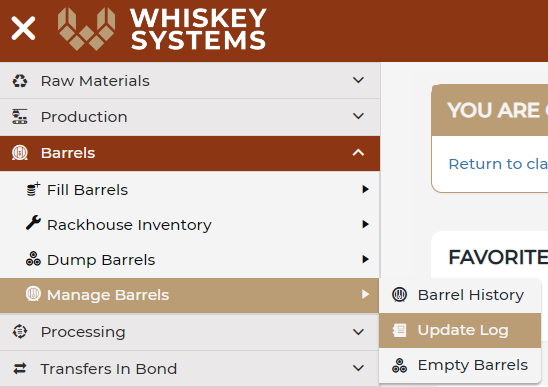
View your changes from the Barrel Update Logs.
Where? Side Menu > Barrels > Manage Barrels > Update Logs.