Where? Side Menu > Barrels > Rackhouse Inventory >Offsite Barrels. 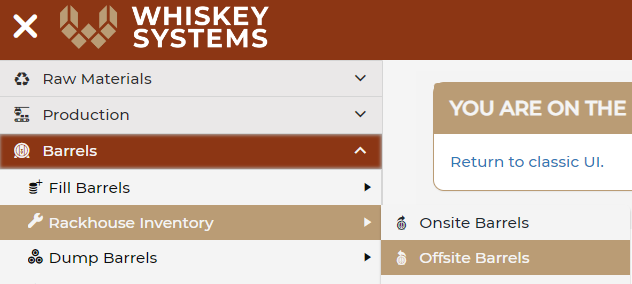
Offsite barrels currently held under another DSP's bond can be uploaded into Whiskey Systems through Offsite Barrel Management. Barrels can be added via create new:
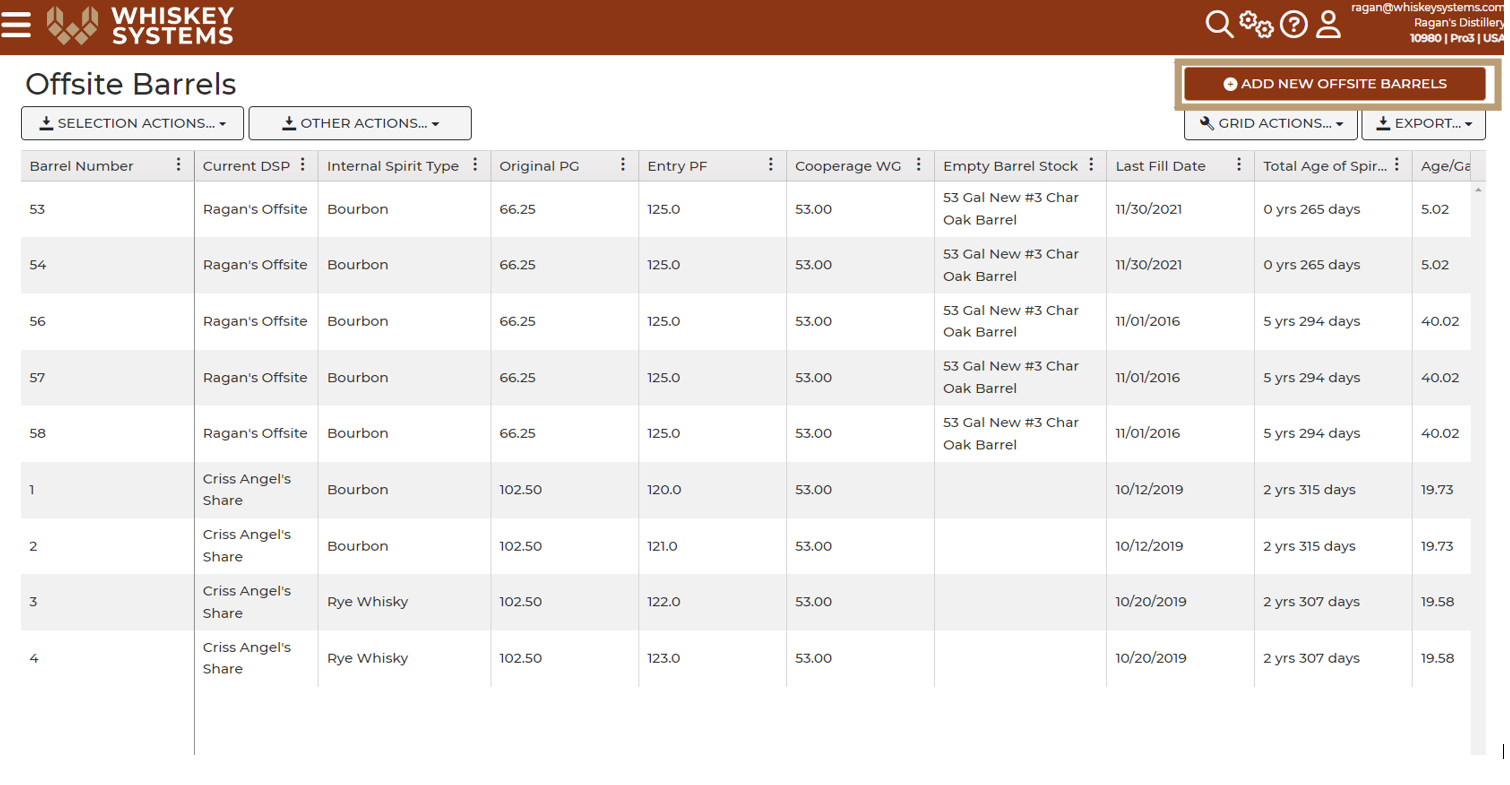
Or they can be uploaded via .CSV file through Settings.
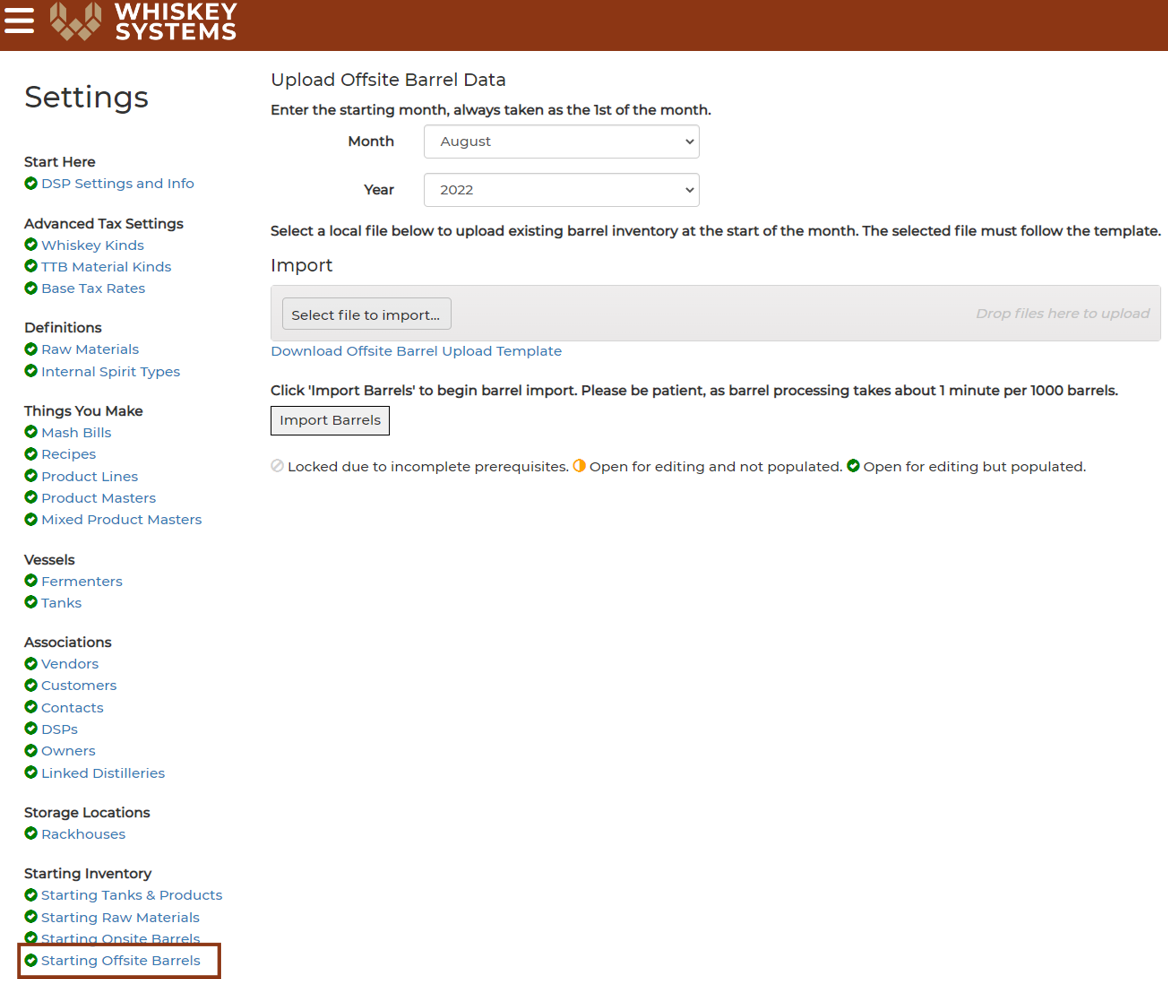
Where? Side Menu > Settings > Starting Inventory > Starting Offsite Barrels,
Download the template and enter in your offsite barrels as the excel sheet instructs you.
Then send you spreadsheet to the Whiskey Systems Support Team to upload.
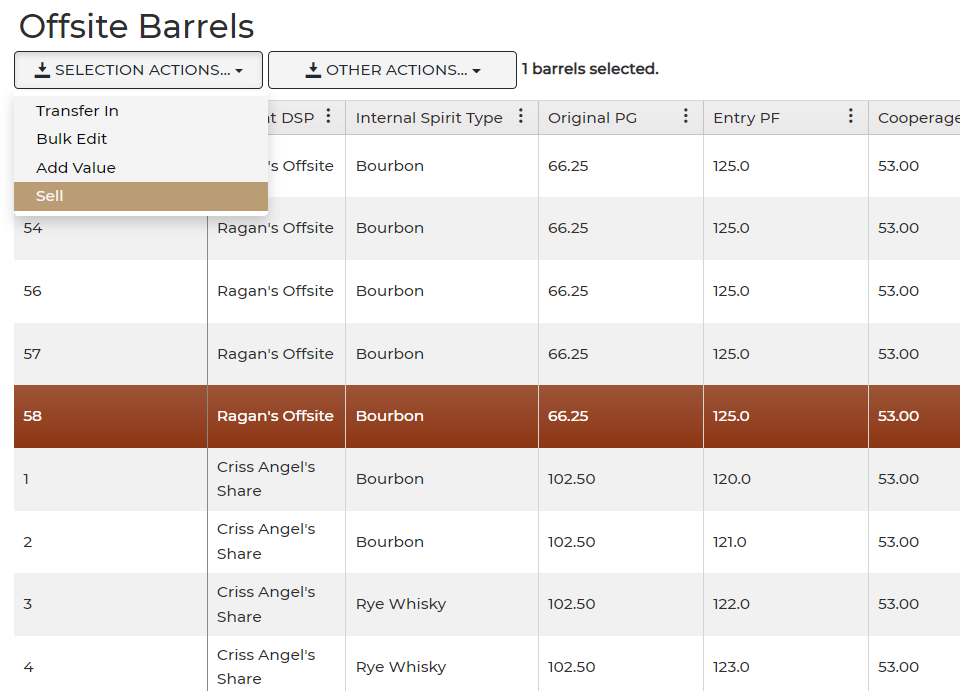
Once barrels have been added they can be selected and transferred in to your DSP using the 'Transfer In' button, or 'Sell' to remove from the Offsite Warehouse.