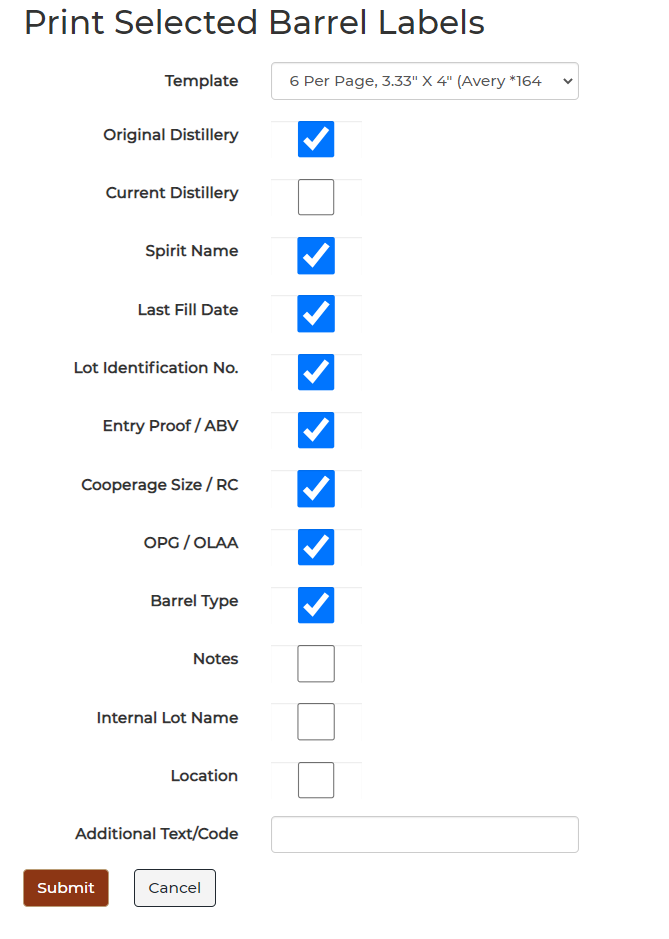
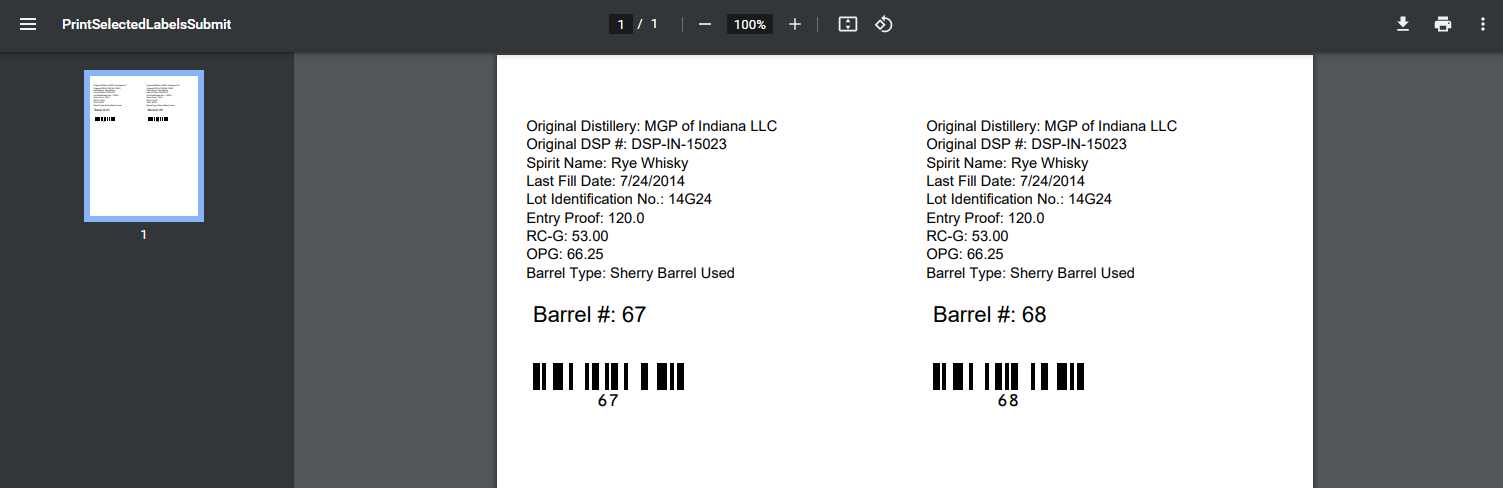
Whiskey Systems has the capability to print barrel labels out that contain all the required TTB information.
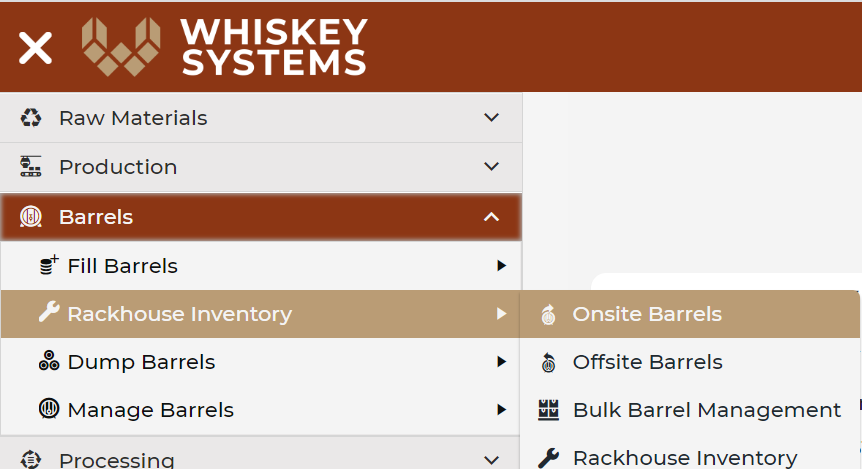
Where? Side Menu > Barrels > Rackhouse Inventory > Onsite Barrels > Load Grid.
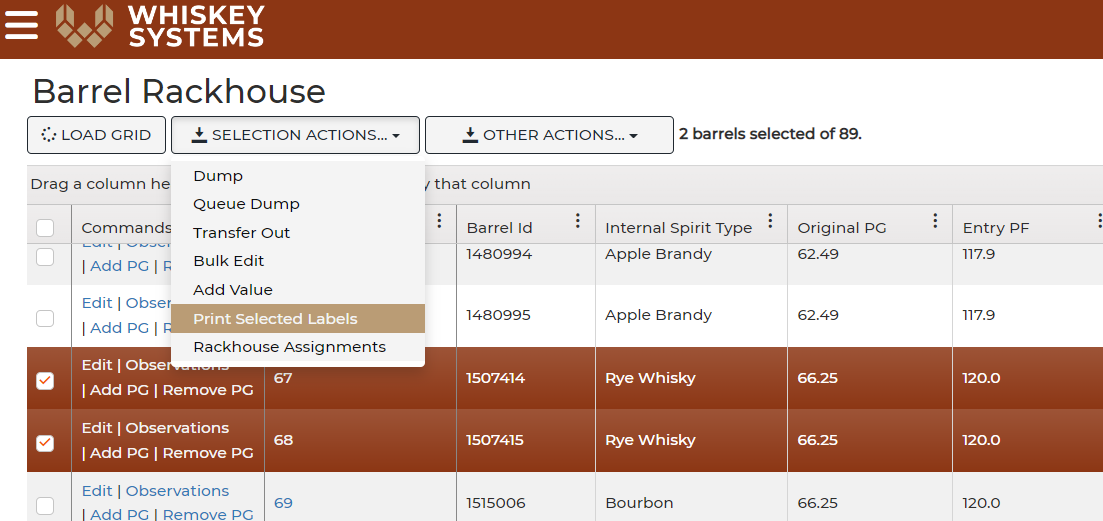
1. Select the barrels you will be transferring to another DSP. Selected barrels will be highlighted in red.
2. Click Print Selected Barrels from the Selection Actions dropdown.
3. Select the Avery label format that you are using. Check any other additional information that you would like to have included on the barrel label.
4. Click Submit.