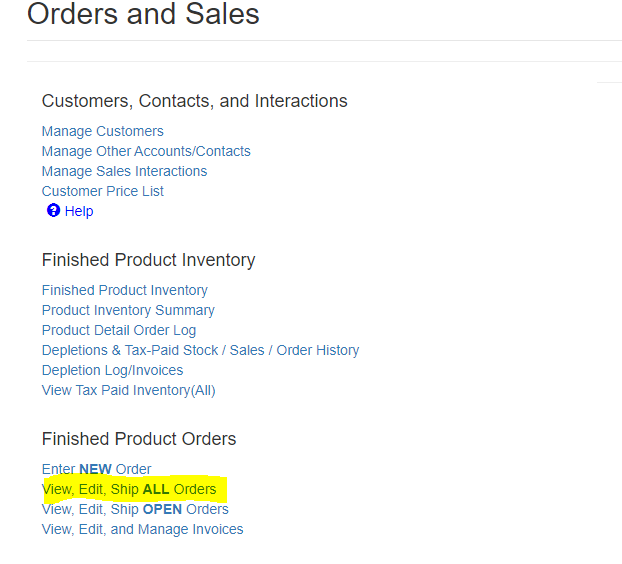
Select 'View, Edit, Ship ALL Orders' in the Orders & Sales Homepage:
On the left hand side of the All Orders Page, an order that has not been completed yet can be un-shipped, edited, and re-shipped:
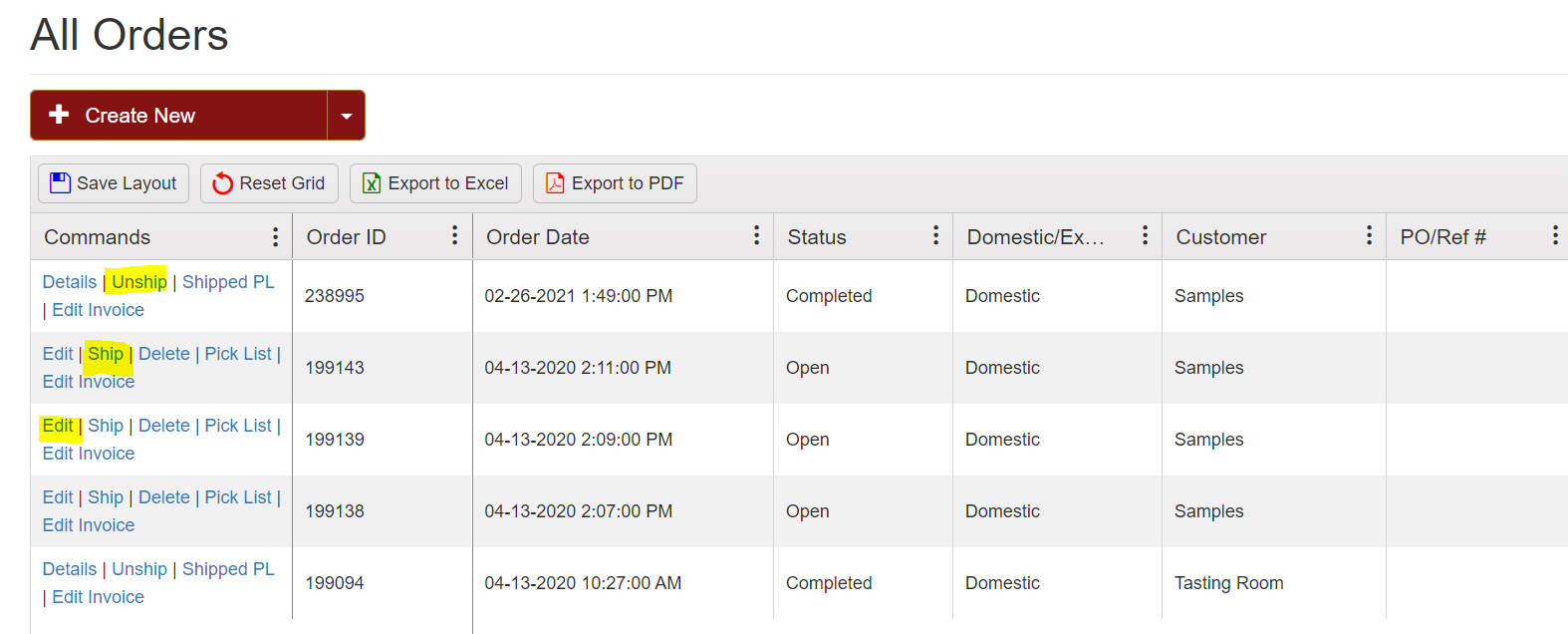
Note that any changes to the shipping date while editing a previously shipped order this may impact a previous Tax Reporting Period or a past Processing Report. You may need to file amended reports.
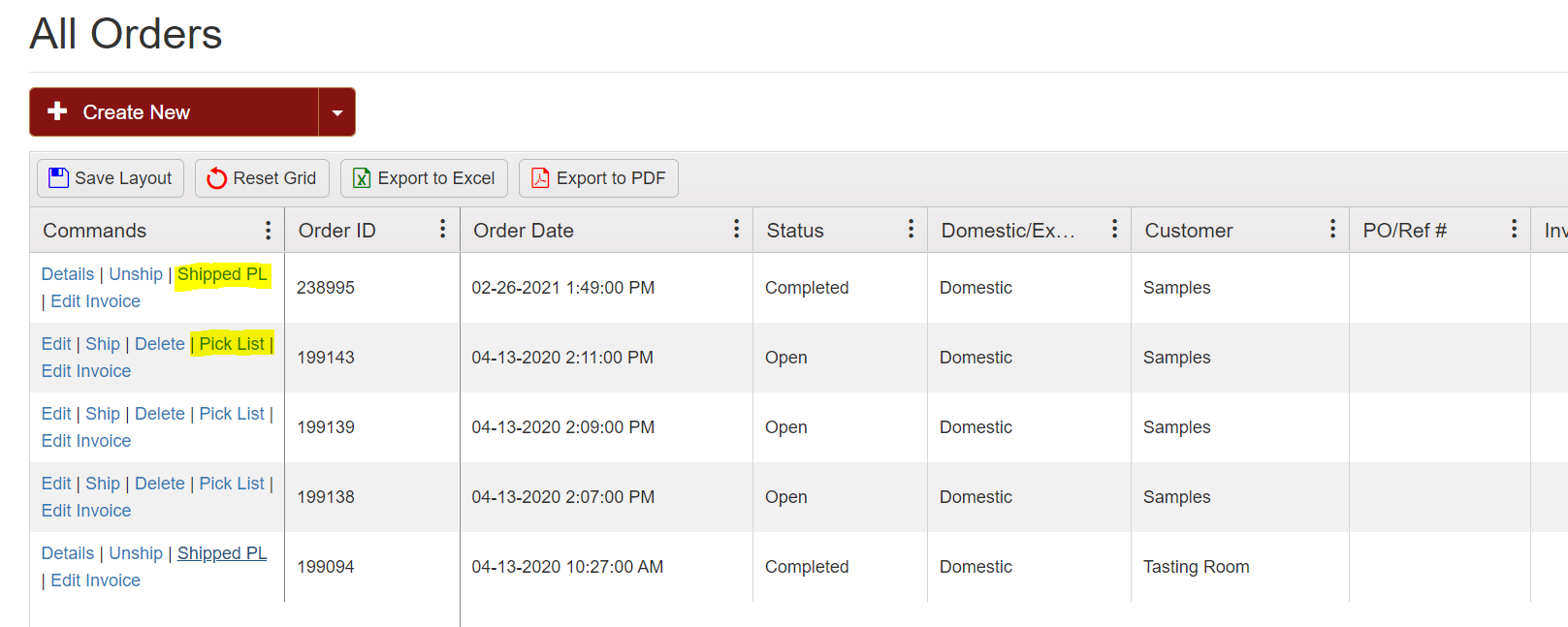
This page also provides a Pick List for orders that haven't been ship yet and a Packing List for orders that have been shipped.