
From the Dashboard go into Orders.
Select Customer Order History
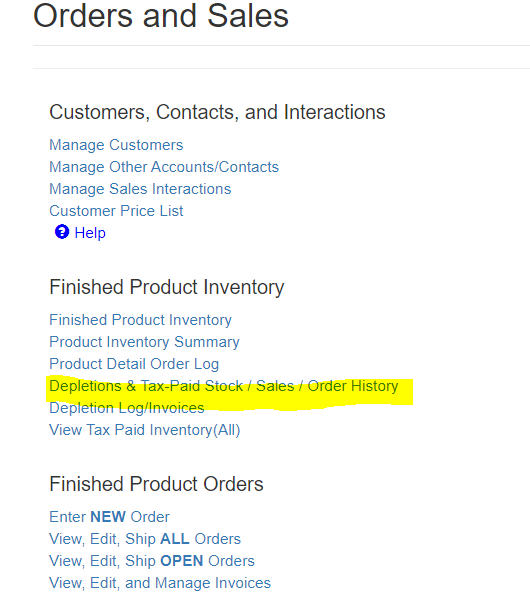
Select the customer you wish to view. In this case we chose Iowa Bailment to demonstrate the extra features for customers set up as bailment.
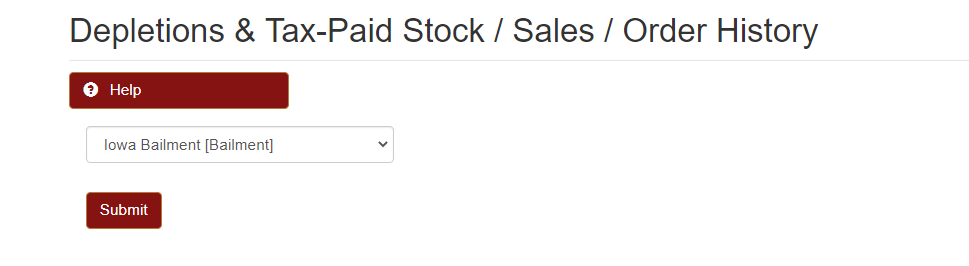
If it is a customer NOT setup as bailment only Order History will be shown. Because we have a bailment customer for the example you can see the Current Customer Tax Paid Inventory, Order History, Depletion History, and Customer Adjust Product Logs.


This is where you will be able to come and adjust the product log for a customer setup as bailment. The adjust pull down scroll allows you to select the Product Master that needs to be adjusted for this customer to help populate or deplete the current inventory at that location.
