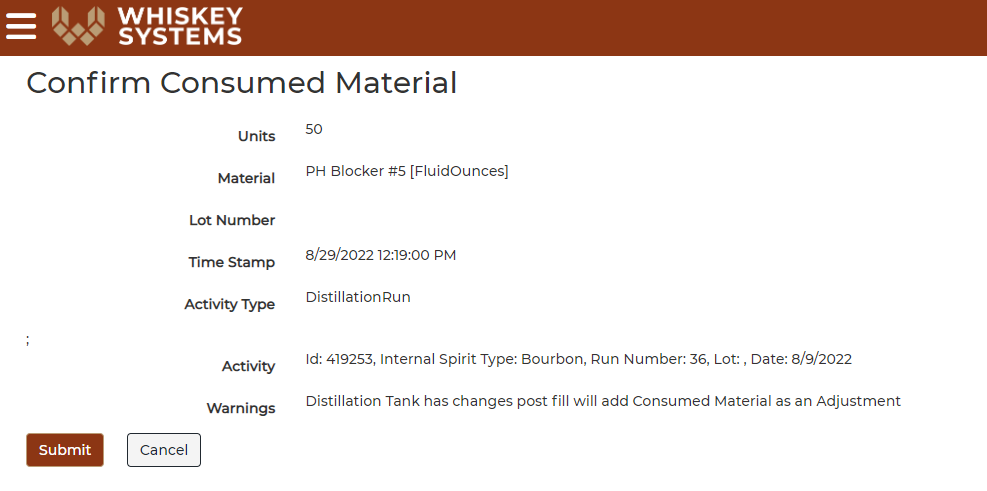
Consumptions and costs can be added to an operation IF the consumption being added is added to an operation that has not moved states.
For example, I did a cook yesterday and today I had to add in more yeast and PH balancers to get the fermentation rolling. Because I have not distilled the cook, I can add in a consumption for the yeast and PH balancers and the inventory will be consumed and the costs will roll into the cook. If the cook has been distilled and I want to add in the consumption, the inventory will be decremented but no cost will be added to the cook because the state has been changed, no longer a cook as the cook has been distilled.
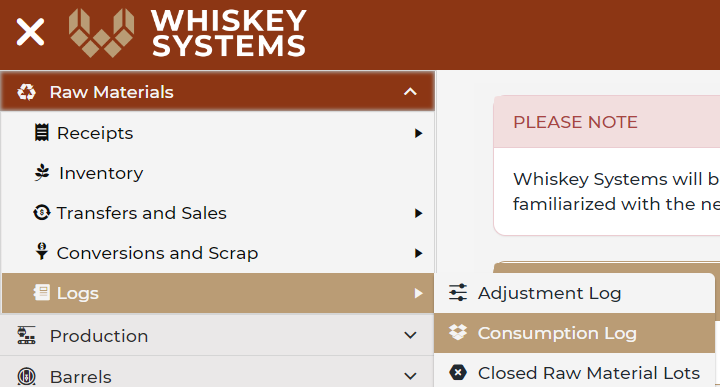
Where? Side Menu > Raw Materials > Logs > Consumption Log.
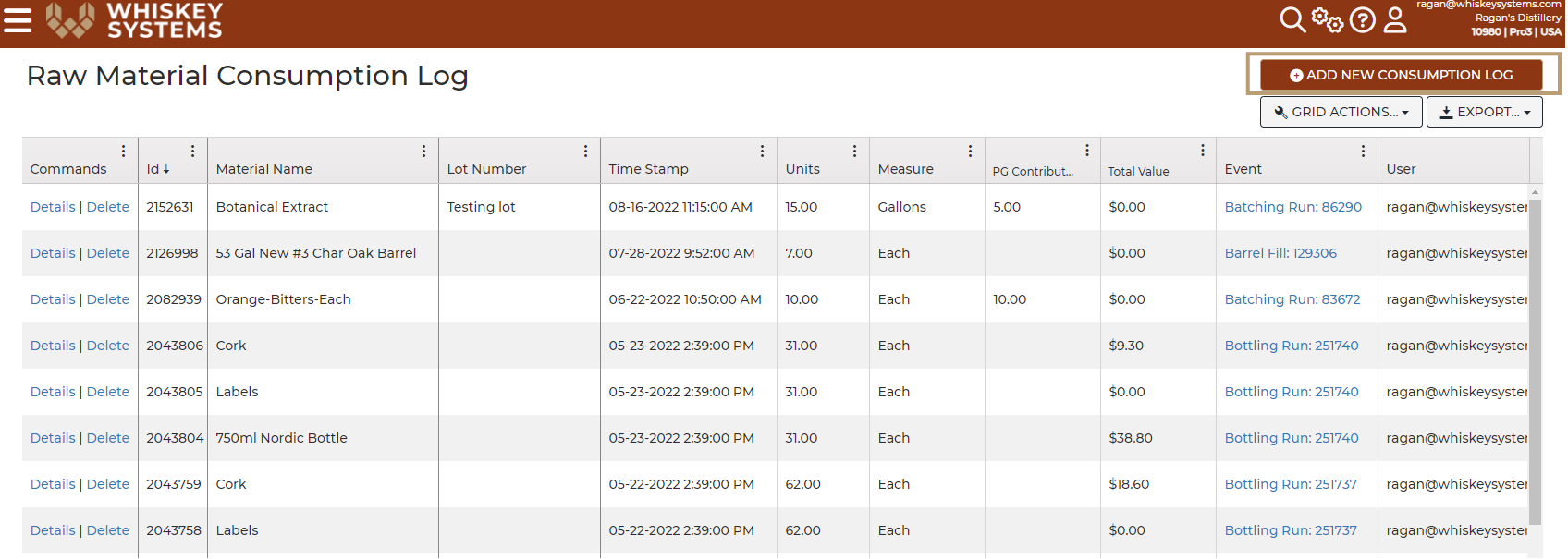
1. Click the “+Add New Consumption Run” button
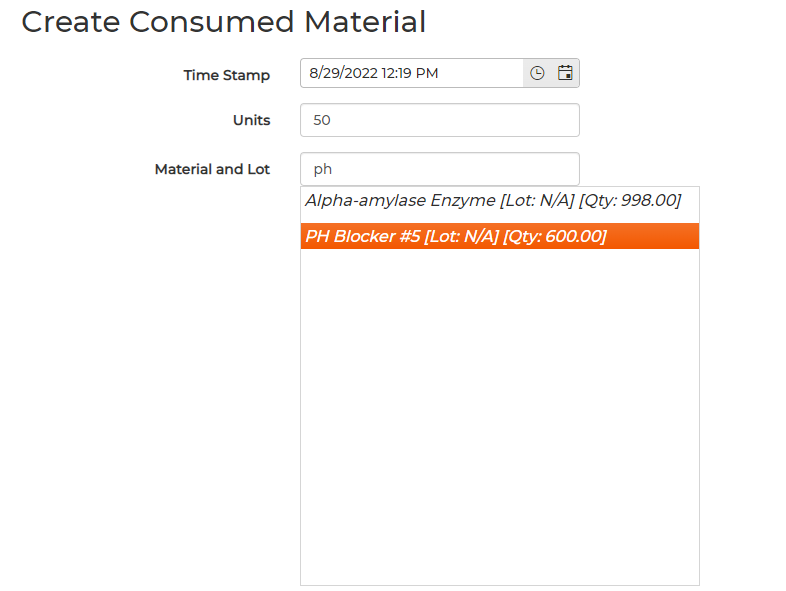
2. Time Stamp - Choose the date when the material was consumed.
3. Units - Add in the amount of units to consumed.
4. Material and Lot - Search for the raw material that needs to be consumed.
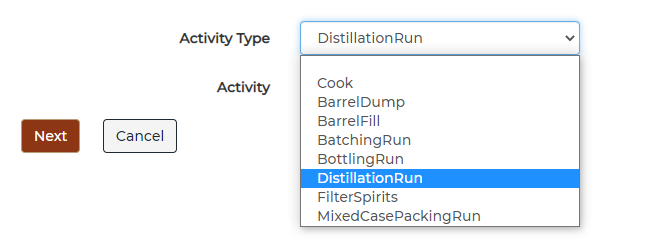
5. Use the dropdown menu and select the Activity Type - Cooks, Distillation, Barrel Fill, Etc...
6. Use the dropdown menu and select the transaction that the materials needs to be added to.
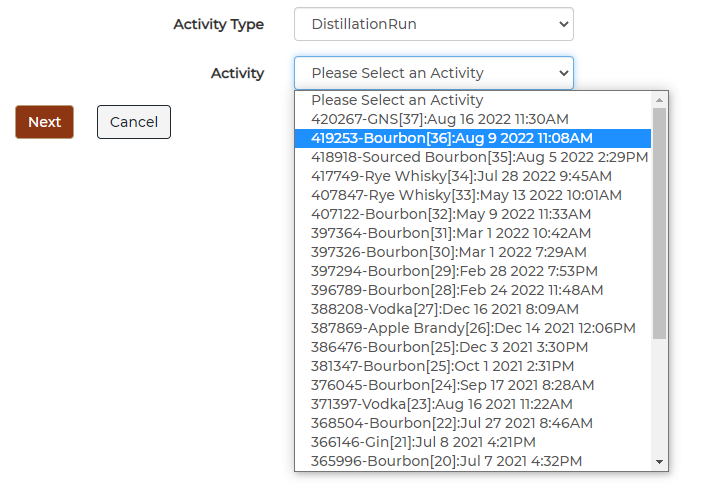
7. Click Next.
8. Confirm the transaction by selecting, Submit.