
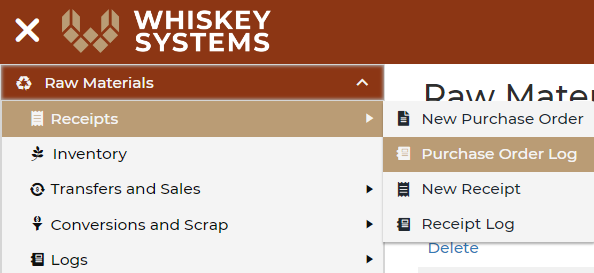
Where? Side Menu > Raw Materials > Receipts > Purchase Order Log
Step 1: To edit a purchase order already at Open/Sent status, Withdraw the order. This will open the edit function.

Step 2: Click Edit.

Step 3: Change the Quantity. Press tab on your key board to update the cost.
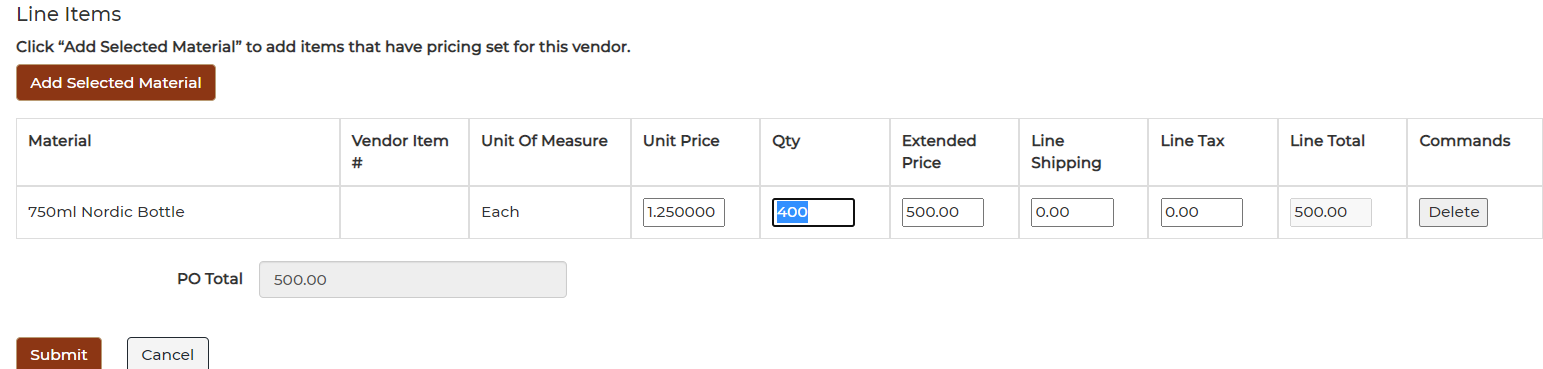
Step 4: Click Submit
Step 5: Click Approve to put the purchase order in the next status "Open/Sent."

You can now print or download the edited version of the purchase order.