
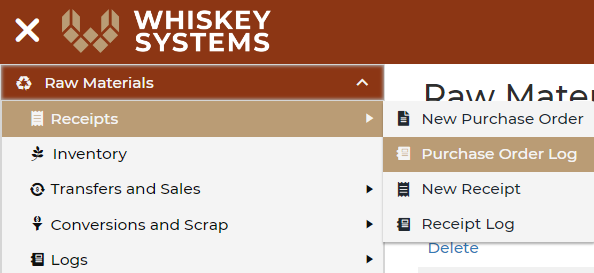
Where? Side Menu > Raw Materials > Receipts > Purchase Order Log

Click Approve to put the purchase order in the next status "Open/Sent."

This changes the status to "Open/Sent." You can now view and download the purchase order.

The email button opens an email to the supplier, IF you have 1. their email address in the system and 2. an email program set up to work with a mail to link.
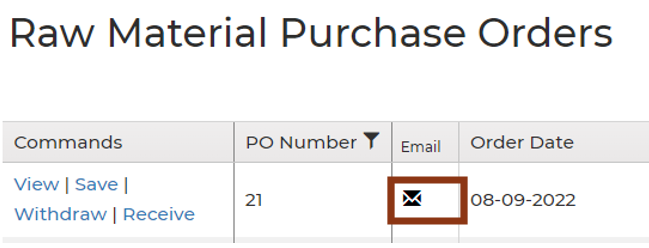
When the status is at Open/Sent, the option to edit is not available. If you need to edit a PO, click withdraw and edit will be available.