
Whiskey Systems can help you manage your inventory and ordering. For the raw material reorder summary to work correctly, you need to have the following setup:
- Lead times
- Minimum reorder points quantities in the system.
- Standard Reorder Qty
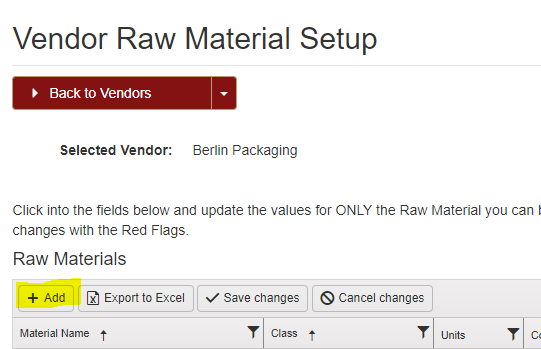
- Have the raw material added to the vendor.
Entering the Minimum Reorder Quantity will be done in the Raw Material Setup page and the Lead Time and Standard Reorder Quantity will be entered in the Vendor Setup page.
Where? Side Menu > Settings > Definitions > Raw Materials.
In the email preference page, make sure you are subscribed to the weekly emails.
You'll receive this email every Monday morning. The list will show you the top 10 lowest inventory products and then there will be a link that will take you directly to the Raw Material Reorder Summary page.
What I would recommend doing is once you receive the weekly email every Monday morning, go directly to the Reorder Summary Report link and observe your inventory status that way.


You can find this report under the Raw Material section from the Whiskey Systems Reports.
Side Menu > Logs & Reports > Whiskey Systems Reports > Raw Material Reorder Summary.
After your items are setup and the system has some usage data in the system, then the report will alert you to what you need to order based on usage, lead time and min quantities on hand. Green means the item is good, black means there is not enough information to make a decision, and red means you need to order the item.