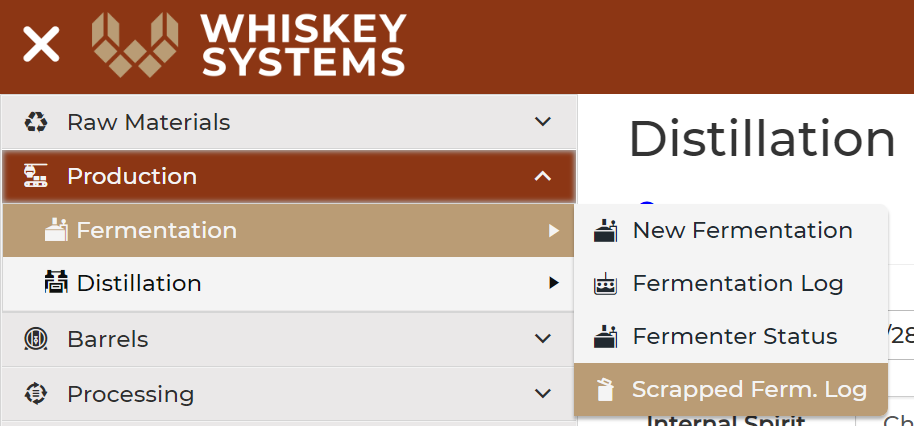
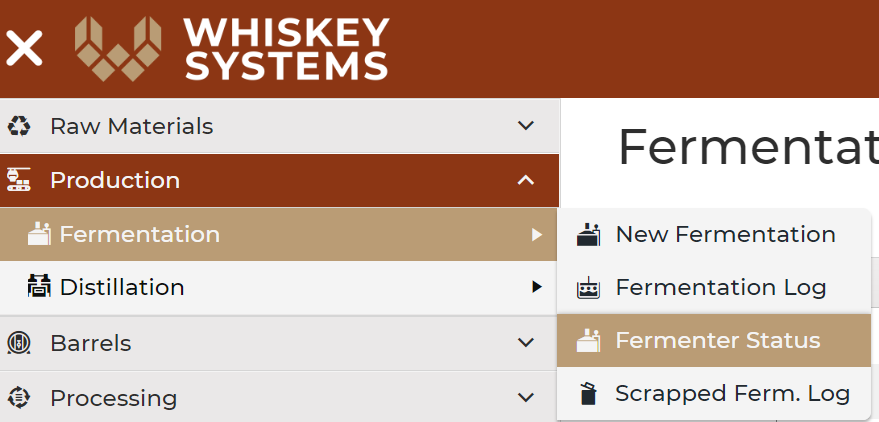
Where? Side Menu > Production > Fermentation >Fermenter Status.
Use this to record the destruction of a Cook that was not distilled due to loss or contamination.
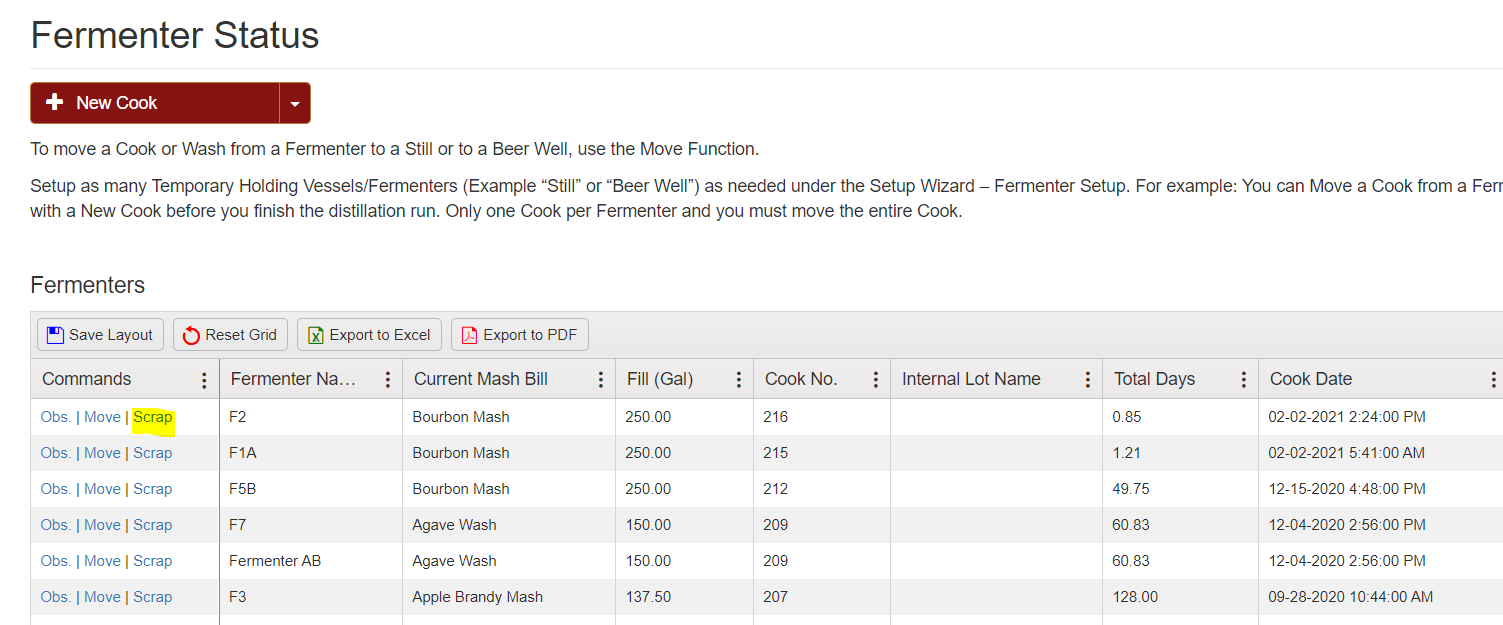
Fermentable Raw Material Consumption will still be recorded on the TTB Production Report if a Fermentation is scrapped.
Add notes describing the reason and method of destruction can be made for record. Once entered, Scraped Ferments can be viewed in the Fermenter Scrap Log, accessible through Fermenter Status.

Use the Fermentation Scrap Log to view scrapped that have been tracked in the system.
Where? Side Menu > Production > Fermentation > Scrapped Ferm. Log.