
Once all of your Raw Materials are added you can start entering your starting raw material inventory quantities.
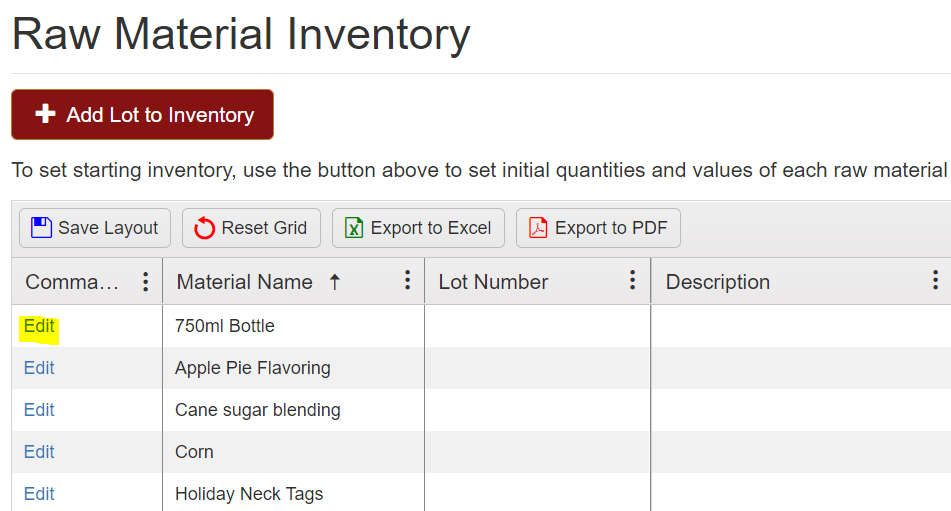
Select "Edit" to enter in that quantities that you currently have on hand.
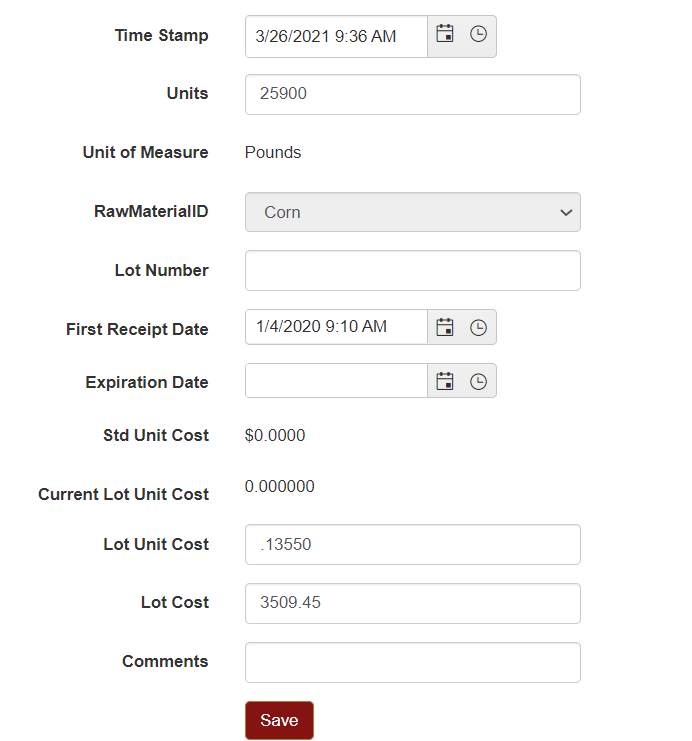
You will enter the correct inventory quantities in the units box and enter any other information you want to add in this screen and save.
You can also change the unit cost of the item and this will change the total value of the entire inventory of that item.
Starting Raw Material quantities can also be received through a receipt.
Click here for instructions on entering a receipt into the system.