
Internal Spirit Types are how the TTB defines the class and type of your spirit.
To Add a Internal Spirit Type:
Navigate to Settings > Definitions > Internal Spirits Types.
Click the “+ Add Internal Spirits Type" button.

- Internal Spirit Type: Set a name for your internal spirit type.
- Example- Corn Whiskey, Bourbon, Vodka, Gin, etc.
- Reporting Columns: What does this spirit needs to be classified as on Part I of the Production Report?
- Example- If we were to create Corn Whiskey so we plan to distill the Whiskey under 160 proof, so that is selected in the "reporting Column."

- Whiskey Kind (If Whiskey):
- Only select if this spirit is considered Whiskey 160 Under or Over.
- Reporting Line: Production Section IV (If Brandy)
- Only select if this spirit is considered Brandy.
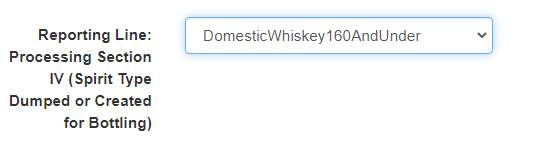
- Reporting Line: Processing Section IV (Spirit Type Dumped or Created for Bottling)
- How do we want this item reported for bottling?
- Example- In our case, we are keeping this a domestic whiskey under 160, not a blended item for the Corn Whiskey.
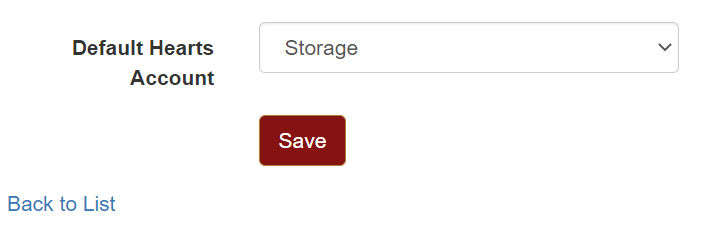
- Default Hearts Account: If the hearts account for this spirit should default to a specific account, use the drop-down menu to change the account type. (Most users leave the default account as Storage.)
- Create