
In Whiskey Systems you can print case labels by going to the upper left-hand menu and selecting Processing -> Case and CSC Labels
Users can update any Product Master to assign label information for each Product by going to the upper left-hand menu and selecting Settings -> Things You Make -> Product Masters
You can enter this information upon creation of a new Product master or can edit an existing one by going to the Advance setting towards the bottom.
Enter relevant information for any Control State Labels that will be printed for the Product Master:

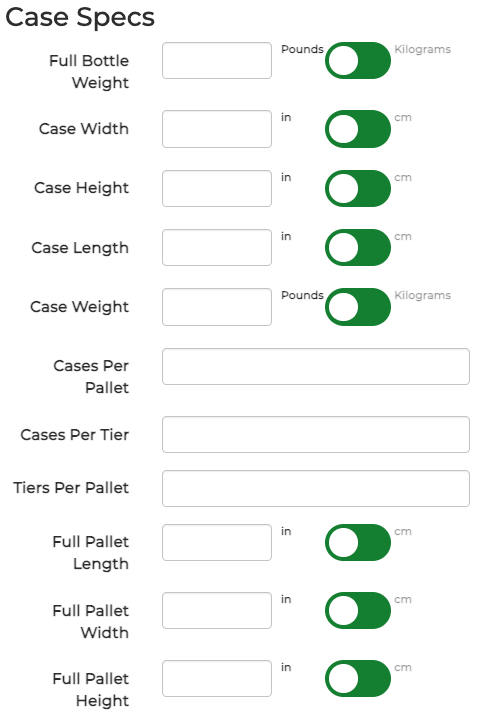
Enter any applicable Case Specs:
Click Submit when all required and optional Product Master fields are completed to save the New Product Master.
Have further questions on Product Masters check out our Article on it!