
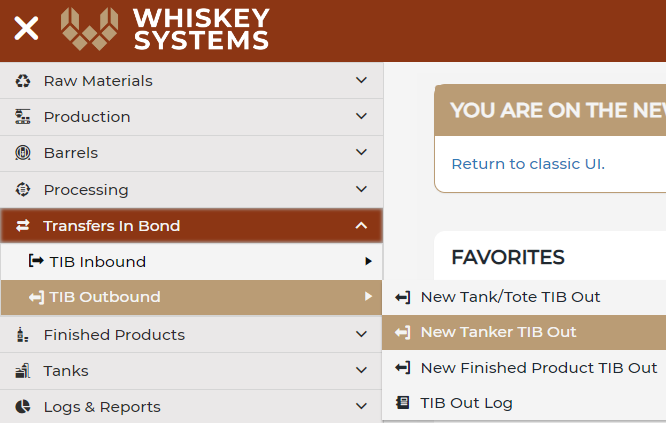
Where? Side Menu > Transfers in Bond > TIB Outbound > New Tanker TIB Out
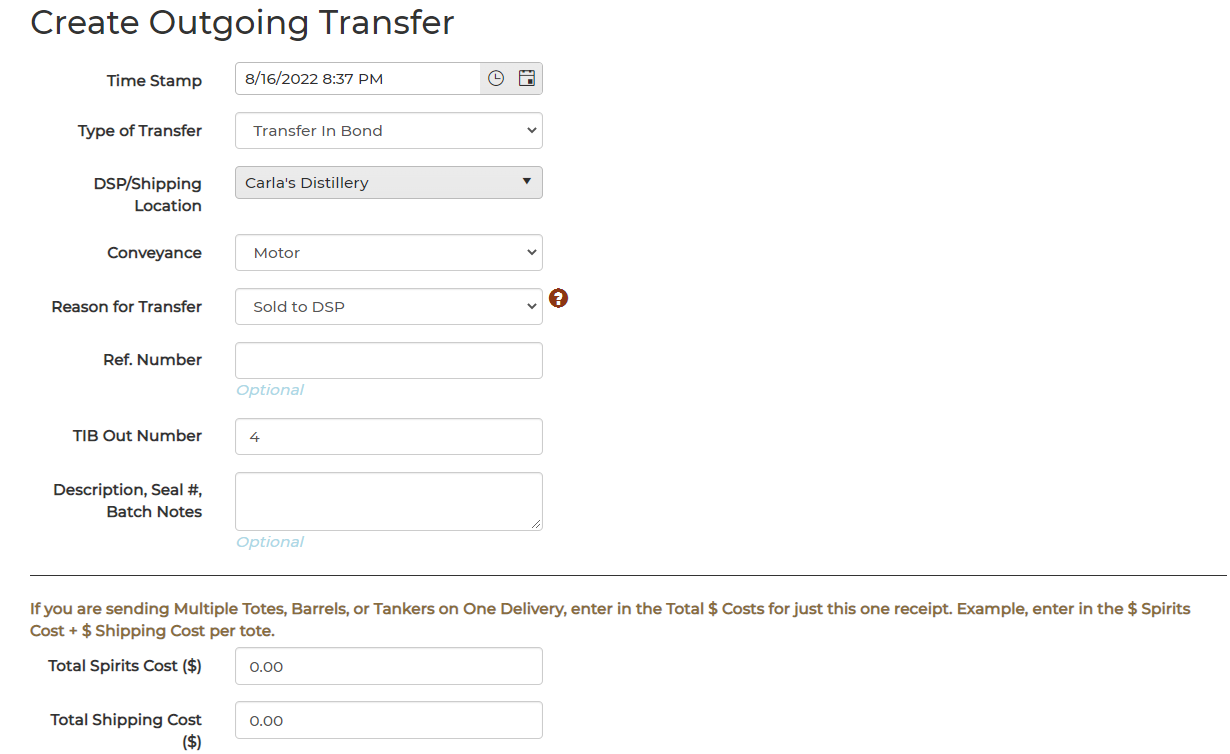
- Enter in the following:
- Type of Transfer – Transfer In Bond
- DSP/Shipping Locations – Drake's DSP
- Conveyance – Motor
- Reason for Transfer - Click here for more information on Outgoing Transfer Reasons
- Add Ref # if tracking
- TIB out number – Rolling run number
- Add a description, Seal#, Etc.. if tracking.
- Add the Total Spirits and Shipping Cost, if tracking.
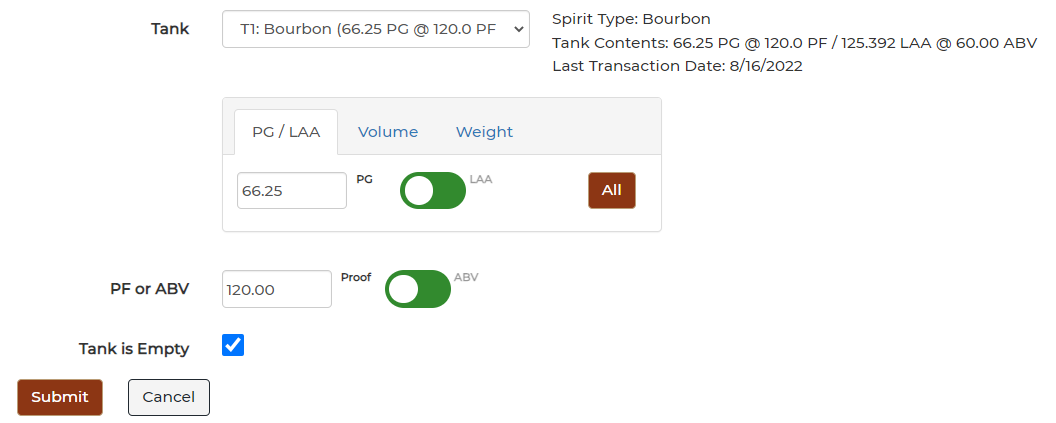
3. Use the Drop Down Menu to find the tank that you are wanting to partially transfer spirits from.
4. Check Tank is Empty to empty out the entire tank.
5. Submit
 6. Confirm & Submit - Do not hit the back button here.
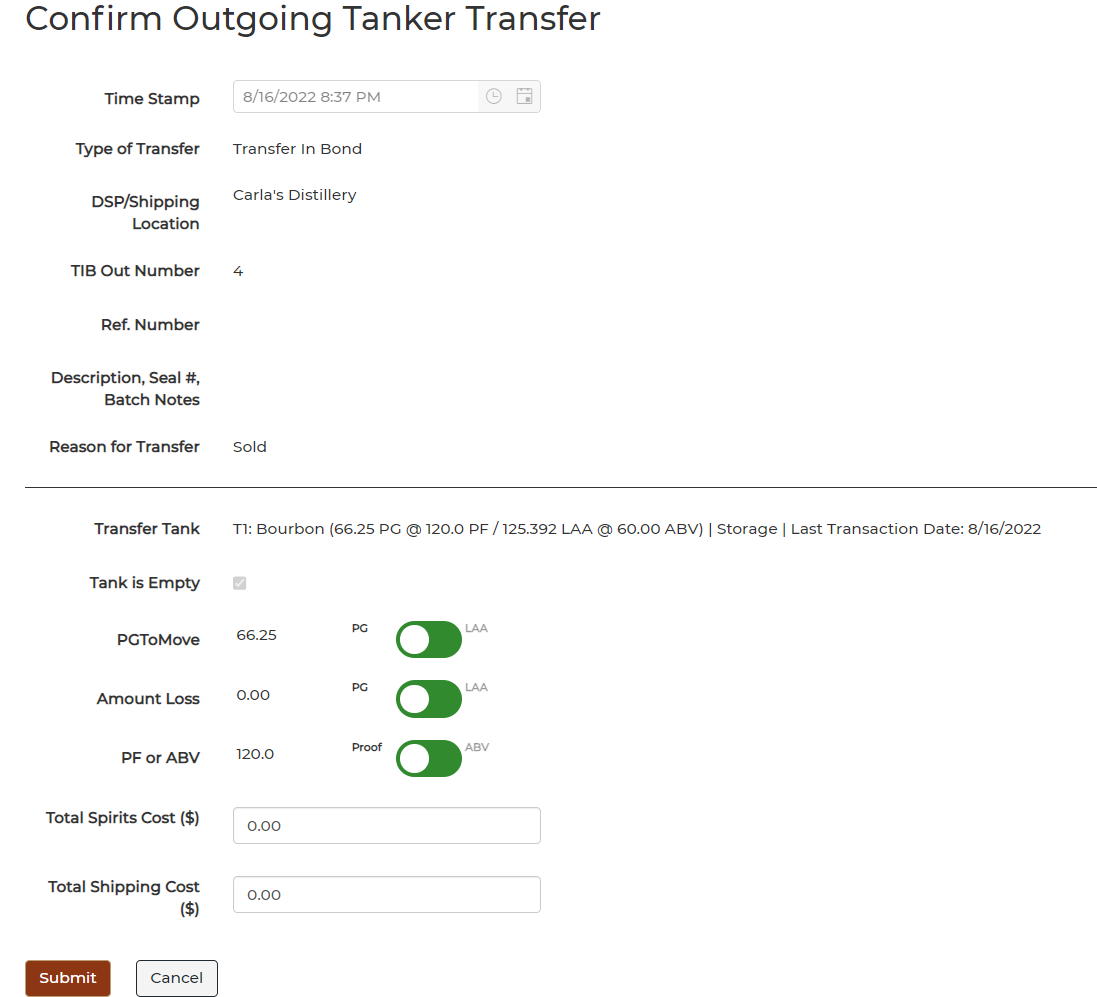
The tank will automatically deactivate in your system, because the system is assuming that this is now physically out of your DSP.