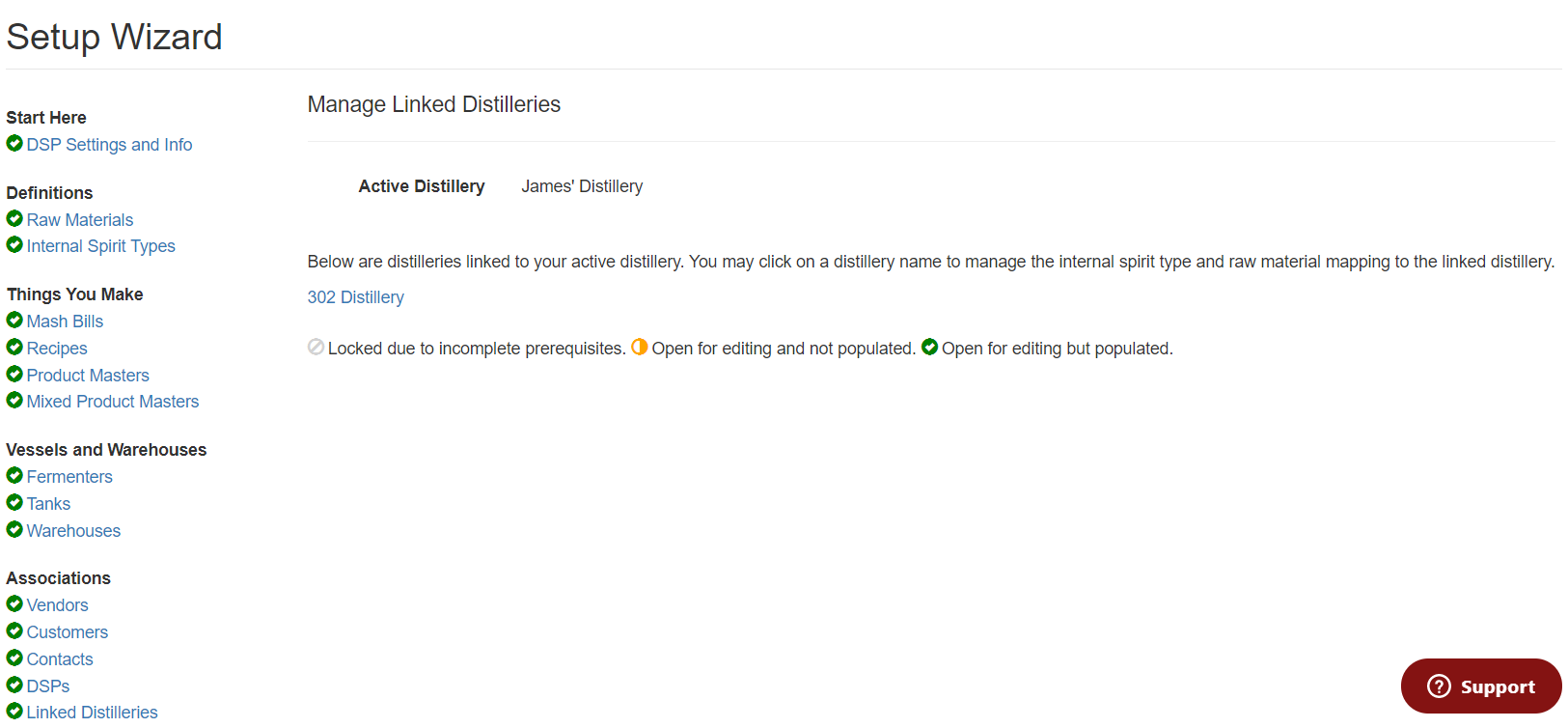
Some of you may see Linked distilleries in your Setup Wizard; this means that you are linked to another WS account either by ownership, ie. you have multiple distilleries, or you are sending or receiving TIBs with another WS customer.
This Setup item must be filled out if you plan to send Raw Materials, Barrels, Tanks, or Product Masters to another DSP.
First, you will select the distillery that you are sending to. Below James' Distillery will be sending to 302 Distillery.
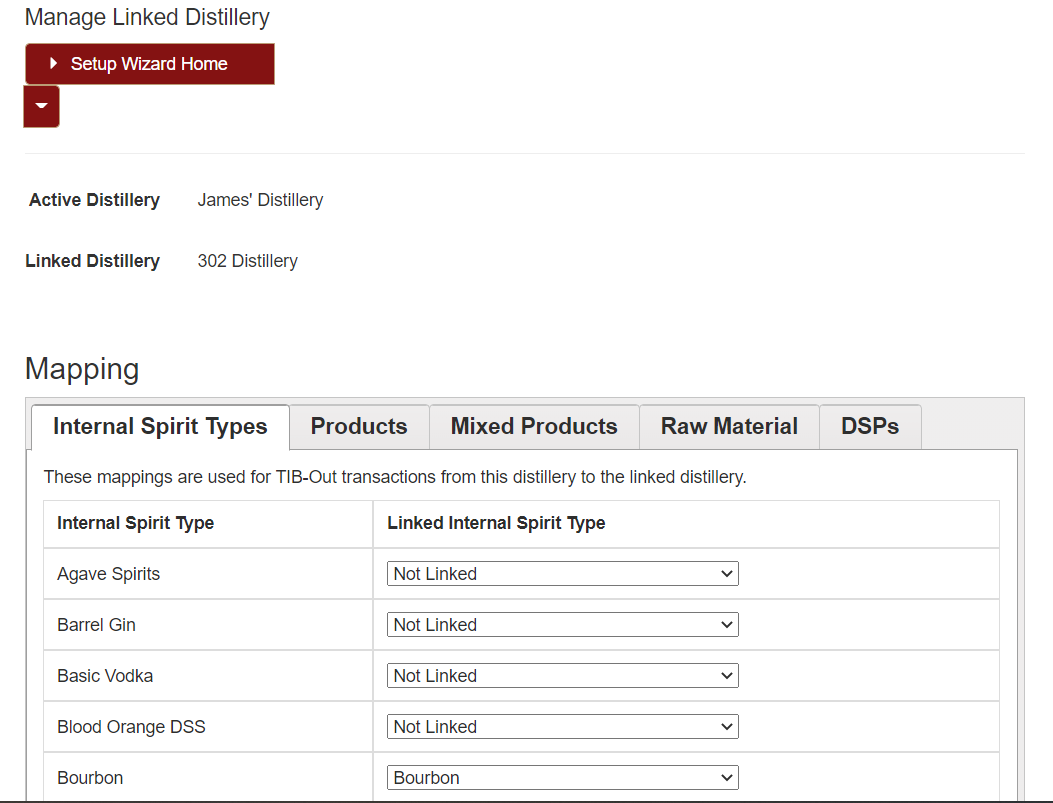
There are 4 tabs on the linked distilleries page that will need to be completed before you can send anything to another DSP.
If you are sending spirits in tanks, you must have Spirit types and DSPs linked.
If you are sending barrels, you must have Spirit types, Raw Materials and DSPs linked.
If you are sending Raw materials, you must have Raw Materials and DSPs linked.
If you are sending Products/Mixed Products, you must have Spirit types, Products/Mixed Products, and DSPs linked.
**If you receive a red error during a linked transfer, you do not have something on these tabs linked properly. Please read the error and review this page before contacting support.**