
Setting up a customer as bailment allows you to track any cases you ship to them and the ability to deplete them.
Step 1: Head to the Setup Wizard and scroll down to Customer Setup.
The customers page will show existing set up customers that you can edit at any time, but for this example we will create a new one.
Step 2: Add the customer name.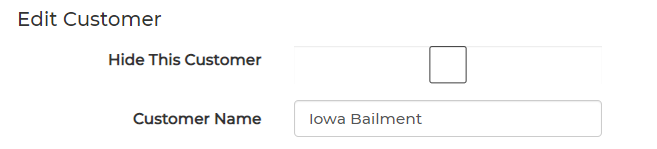
Step 3: Scroll down to Track Tax Paid Inventory and select Bailment.
You can fill out any of the optional fields at this time as well, or do that later.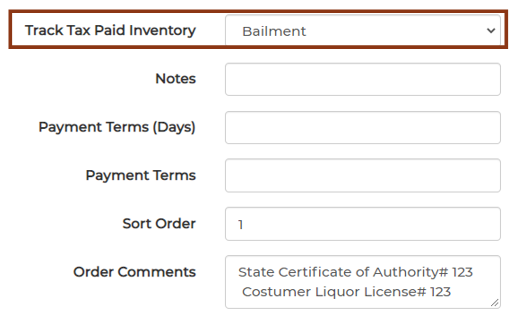
Step 4: Just hit the Create button and you are finished.