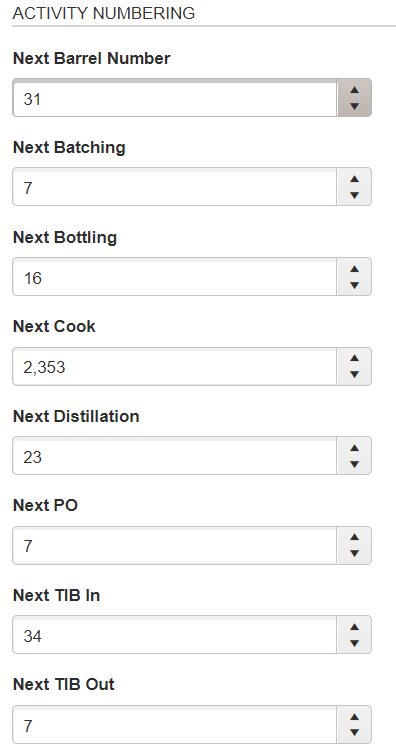
- Advanced Settings
-
Specify your evaporation rate, average cut yield, average pounds per bushel.
-
The evaporation rates are built into the original setup. You can change as you feel necessary.
-
-
-
-
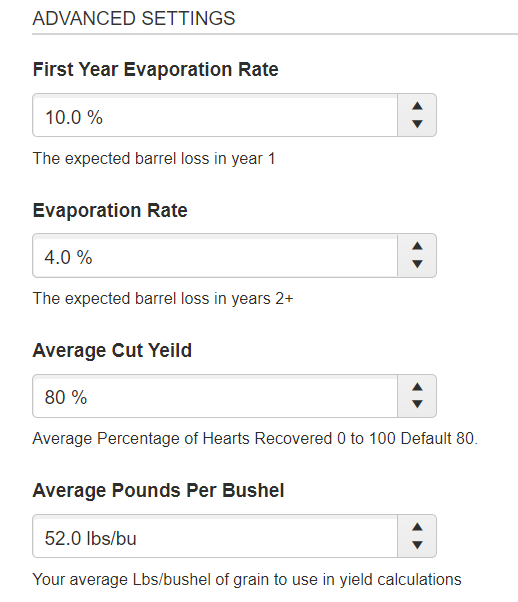
Set whether you distill multiple spirits or require consumables in your distillery.
- Activation of the Distill Multiple Spirits is NOT typically advised and should only be activated if legitimately separate spirit types are being routinely produced during a single distillation run (based on TTB class/type definitions). Please contact support@whiskeyresources.com before activating this setting to determine if it should be applied.
-
-
-
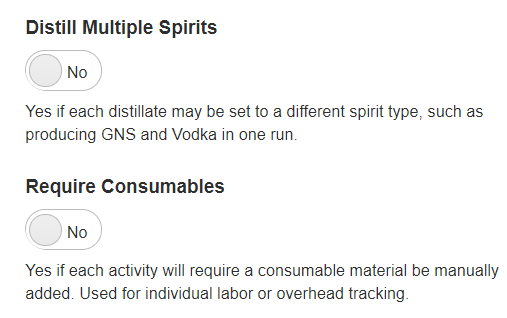
Treat Dumped Barrels: Generic or Individual.
- When dumping barrels, if you want to increase the raw material inventory for that empty barrel stock type, select Generic. To treat each dumped barrel as a unique asset (and not as a raw material) where you can refill specific barrel numbers from the "Manage Dumped Barrel History" page, select Individual. (Most distilleries will choose Generic.)
-
-
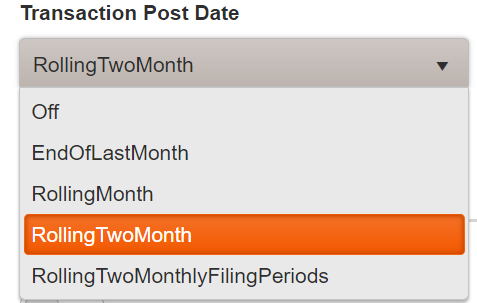
- Transaction Post Date
- This feature that enforces the idea that accounting periods are "closed" after a reasonable time.
- By default, we set it to 2 months.
- Transaction Post Date
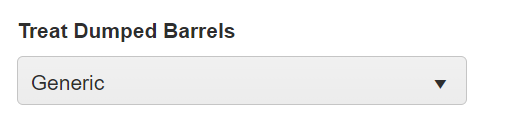
- Activity Numbering
-
The 1's above are rolling numbers that Whiskey systems keeps track of for you.
-
You can start any of the "Next Numbers" as any numeric number. Many distilleries start them all at 1 unless they already have internal counters. All of the Next Run #'s are numeric values only (no special characters). They work as incremental counters and will keep increasing every time you make a transaction. You can change any of the "Next Numbers" at any time if the counter is out of sync with your numbering.
Note: If at any time any of the Next Numbers are different then your internal counters, you can change the Next Number and it will display that number on the next transaction. -